




Play Advanced pixel apocalypse 3 2022 Walkthrough
Advanced pixel apocalypse 3 2022
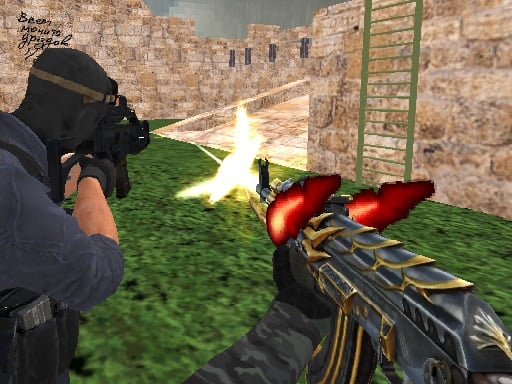
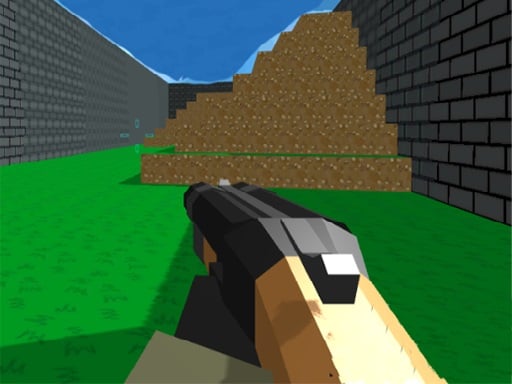
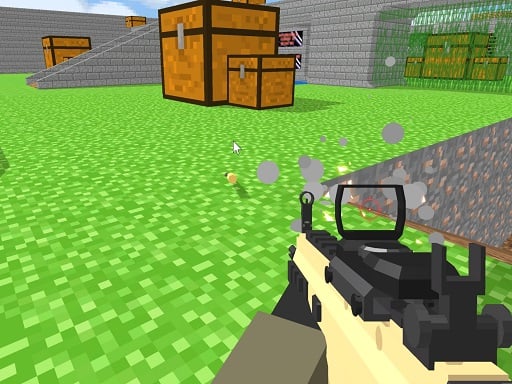
You’ve landed in a blocky world where danger can pop out from any corner. In Advanced Pixel Apocalypse 3 2022, your mission is to survive online matches, help your team, and use the map like a shield—not a runway. What you do in the game This is a pixel-style first-person shooter (FPS) with multiplayer battles. You join a match, grab a weapon, and try to outplay other players on different maps. The main loop is: Enter a match (often with other players online). Move through the map using cover like walls and blocks. Aim and shoot when you have a safe angle. Reload and reposition, then fight again. Keep going until the match ends. Real player moment: the first minute feels easy… then you sprint into open space and get tagged from the side. After that, you start playing smarter. Controls Desktop Most versions use these controls: WASD / Arrow keys: move Mouse: aim Left click: shoot R: reload Space: jump Shift: sprint C: crouch Ctrl: prone 1–9: switch weapons Some versions also include chat controls :(so be careful in public rooms). Mobile Some sites list it as playable on mobile/tablet, but aiming is usually easier with a mouse. If you’re on touch controls, go slower and use cover more. How to win and how progress works You win by doing what the mode asks—usually getting more eliminations than the other side and staying alive longer. Common modes you’ll see on different sites: Deathmatch: everyone for themselves. Team Deathmatch: work with your team and focus targets together. Some versions also mention a Zombies mode. You don’t “level up” like a big RPG. Your real progress is learning maps, aiming better, and choosing smart fights. Weapons and gear You can switch weapons during the match (often with number keys). The game includes a mix of melee tools (like hatchet, bat, knife, crowbar) and guns (like machine gun and grenade launcher), depending on the version you’re playing. Helpful idea: melee is great when someone is close and you don’t have time to reload—but don’t chase melee across open ground. Maps, cover, and why they matter Maps are built with lots of blocks, corners, and raised spots. That means: There are hiding places, “Peek” angles, And higher ground for careful players. Some versions mention picking from nine maps. Even if the number changes on your site, the strategy stays the same: learn the safest routes first. Tips to play better (12 tips) Stop sprinting around corners. Walk the last step, then aim. Use cover like a door. Peek out, shoot, tuck back in. Reload only behind cover. Reloading in the open is how most beginners lose. Aim first, then shoot. A calm first shot beats five rushed misses. Crouch when holding an angle. It helps you stay steady and smaller. Go prone only when you’re safe. It’s great for long angles, but slow to escape. Switch weapons before you enter danger. Don’t swap while someone can see you. In Team Deathmatch, follow a teammate (not their exact footsteps). Two players focusing one target is powerful. Use high ground for information. Even one second of “where are they?” helps. If you keep getting surprised, scan left-right every few seconds. Side attacks are common in fast FPS games. Treat melee as a backup plan. Use it when close—not as your main travel strategy. Coach voice: Take a breath… then peek. If you keep missing shots, try firing in short bursts and letting your aim settle between clicks. Levels / modes / progression This game is match-based. Variety comes from: Different modes (Deathmatch, Team Deathmatch, sometimes Zombies), Different maps, Different weapon choices. Common problems & quick fixes Mouse won’t look around: click inside the game window to lock focus (many FPS games need this). Lag or stutter: close other tabs, refresh, and lower your screen resolution if your browser allows it. No sound: some browsers block sound until after your first click—click once, then check volume. Fullscreen looks weird: exit fullscreen and set browser zoom to 100%. Chat popping up: if your version has chat, avoid typing in public rooms unless a parent says it’s okay. parent note: This is a cartoonish, blocky shooter with online play. There may be public chat on some versions, so younger players should play with supervision and avoid sharing any personal info. 5) Quick Info: Platform: Browser (HTML5 / WebGL) Genre: Multiplayer FPS / pixel shooter Age fit: 10–13 (parent recommended for online play) Session length: 5–15 minutes per match (varies by room/site) Controls: WASD/Arrows, mouse aim, click shoot, R reload, Shift sprint, C crouch, Ctrl prone, 1–9 weapons 6) FAQ (6 Q&As) Q1: What kind of game is Advanced Pixel Apocalypse 3 2022? A multiplayer first-person shooter with blocky graphics and fast matches. Q2: What are the main modes? Many versions have Deathmatch and Team Deathmatch, and some also mention a Zombies mode. Q3: How do I switch weapons? Use the number keys (often 1–9) to change weapons. Q4: Why do I lose so quickly? Most new players run into open areas. Use cover, peek safely, and reload behind walls. Q5: Does the game have chat? Some versions include chat controls, so treat it like any online game: don’t share personal info. Q6: Can I play on mobile? Some sites list mobile/tablet support, but aiming is usually easier on Desktop -->with a mouse.
Similar Games
-
Spooky Tripeaks
-
War Tanks Simulation 2022
-
Castle Defender Saga game
-
Commando Adventure
-
Daily Puzzle
-
Blocky Friends adventure
-
Flappy Man
-
Fill the Gap
-
Minicraft Duello
-
Among Us Gun War Multiplayer
-
The Last Defense Z
-
Best Battle Cover Royale 2022
-
Iron Snout - Fighting Game
-
Color Spin
-
Numeric Cannon
-
Derby Arena Demolition 2022