





Play Good Guys vs Bad Guys 2022 Walkthrough
Good Guys vs Bad Guys 2022
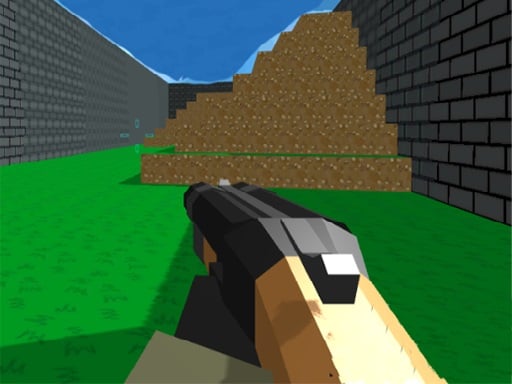
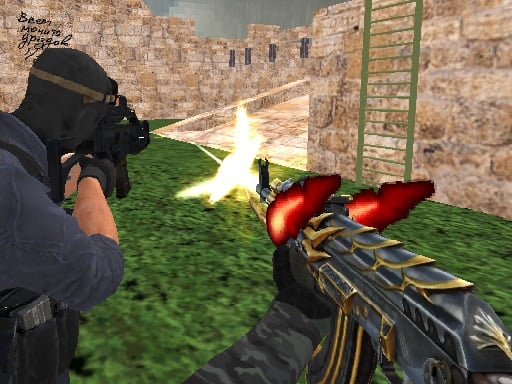
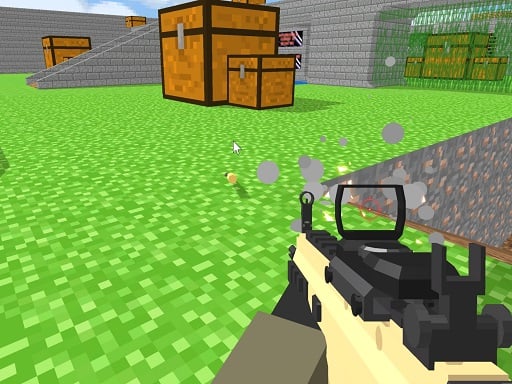
Welcome, recruit. Pick a side—Good Guys or Bad Guys—and jump into a quick 3D match. Your job is simple: help your team win by moving smart, using cover, and taking clean shots. What you do in the game Good Guys vs Bad Guys 2022 is a multiplayer first-person shooter (FPS). You join a room, choose a team, and battle on different locations with different weapons. Matches are fast, so every small decision matters—like when to run, when to hide, and when to push forward. The core loop looks like this: Join a room (or create one in some versions). Pick Good Guys or Bad Guys. Spawn in and move out to find enemies. Aim and shoot while staying near cover. Keep helping your team until the match ends. Real player moment: the first few seconds feel calm… then you turn a corner and someone is already aiming at you. That’s why cover is everything. Controls Desktop Most versions use: WASD / Arrow keys = move Mouse = look around + aim + shoot Space = jump Shift = run C = crouch 1–9 = switch weapons Some pages also list: Tab = menu Mobile Some sites say it can run on mobile, but this game plays best with a keyboard + mouse for aiming. If you’re on touch controls, expect it to feel harder to aim quickly. How to win and how matches work Your team wins by eliminating opponents and controlling the fight better than the other side. It’s a team game, so playing near teammates helps a lot. In some versions, you can: Choose which weapons are allowed Choose how long the match lasts (when creating a room) Weapons and items You’ll use different weapons during matches. Some game pages mention you start with basic gear like a knife, a pistol, and an AK-style rifle, then switch weapons using number keys. Quick habit that helps: don’t swap weapons in the open. Switch while behind a wall. Tips to play better (10 tips) Use cover like it’s your shield. Peek out, shoot, then tuck back in. Stop for half a second before you shoot. Moving while firing makes misses more likely. Aim for “easy hits,” not fancy shots. A safe shot beats a risky sprint. Don’t run straight down the middle. Start by moving along the edge of the map until you learn where enemies appear. Crouch when you’re holding an angle. It can help you stay steadier and smaller. Run only between safe spots. Sprint from cover to cover, not across wide open ground. Switch weapons behind cover. If you’re swapping while exposed, you’re an easy target. Follow a teammate (but don’t stand on them). Two players focusing one enemy usually wins. After you respawn, don’t rush back the same way every time. Try a new route to avoid repeat ambushes. Coach voice: Take a breath, then peek. One calm peek can win the whole fight. Tiny “this really happens” tip: if you keep losing the first duel, it’s often because you’re sprinting into a corner. Walk the last step, then aim. Levels, maps, and modes This game is built around rooms and matches. Different rooms can use different locations and settings, especially if the host can pick match length and allowed weapons. Common problems & quick fixes Mouse won’t aim correctly: click once inside the game window to “lock” focus, then try again. Lag or low FPS: close other tabs, lower your browser load, and refresh the page. No sound: some browsers won’t play sound until you click once—try clicking the game, then check volume. Fullscreen looks stretched: exit fullscreen and set browser zoom back to 100%. Keys not working: click the game area first so it captures your keyboard input. parent note: This is a team shooter, so it’s best for older kids and ideally with a parent nearby. One game is quick—set a “2 matches then break” reminder to rest eyes and hands. 5) Quick Info: Platform: Browser (HTML5 / WebGL) Genre: Multiplayer FPS / team shooter Age fit: 10–13 (parent recommended) Session length: Short matches (room can set match time in some versions) Controls: WASD/Arrows + mouse; Space jump; Shift run; C crouch; 1–9 weapons; Tab menu (some versions) 6) FAQ (6 Q&As) Q1: What is Good Guys vs Bad Guys 2022? A multiplayer team FPS where you join a room, pick a side, and battle to help your team win. Q2: What are the main controls? WASD/Arrows to move and the mouse to aim and shoot. Many versions also use Space (jump), Shift (run), C (crouch), and 1–9 (weapons). Q3: How do I win more fights? Use cover, peek for quick shots, and avoid sprinting into open areas. Q4: Can I change weapons? Yes—some versions let you switch weapons with number keys, and rooms may limit which weapons are allowed. Q5: Is it okay for kids? It’s a shooter game, so it’s better for older kids and with a parent, especially in multiplayer. Q6: Why is the game laggy? WebGL shooters can stutter if your device is busy. Close tabs, refresh, and try windowed mode.
Similar Games
-
War Tanks Simulation 2022
-
Protect My Dog
-
Car Simulator McL
-
Ball Blaster Canon
-
Bubble Shooter Pet Match 3
-
Lily Dress Up
-
Rabbit Dress Up
-
Funny Dentist
-
Flower Shop Girl Dress up
-
Fill the Gap
-
Water the Seed
-
Extreme Pixel Gun Combat 3
-
Among Us Gun War Multiplayer
-
Chibi Sup Color Game
-
Iron Snout - Fighting Game
-
Touba 2
-
Numeric Cannon
-
Drive To Evolve