







Play Car Parking Pro - Park Walkthrough
Car Parking Pro - Park
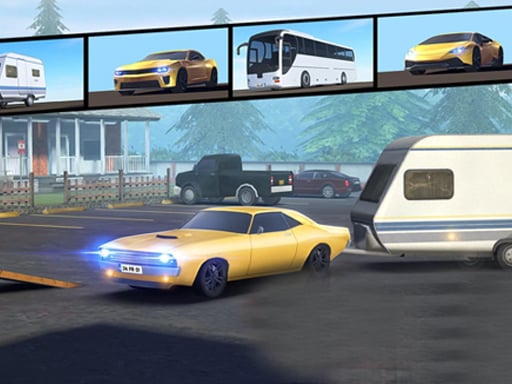
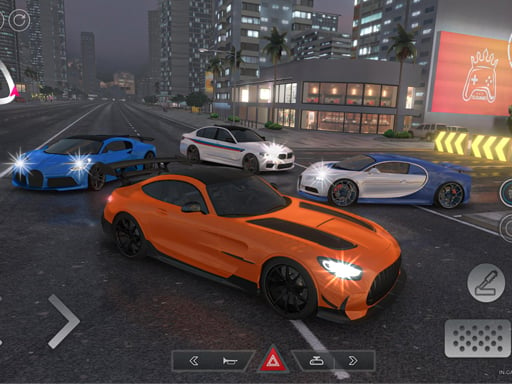
Can you park perfectly… without one tiny bump? This game dares you to go slow, stay calm, and line up like a real driver. What you do in the game Car Parking Pro - Park is a driving-and-parking challenge. You move through city-style areas, deal with tight spaces, and try to park where the game wants you to park. Each mission is about control and patience, not racing. Your core loop: Start a parking mission. Drive carefully through a route. Slow down near the parking area. Adjust with small turns. Park inside the target spot. Controls Desktop WASD or Arrow keys: drive and steer Mouse: interact with gears and driving controls Mobile Some versions are desktop-only. If you see Mobile -->buttons, use touch steering and pedals. How you win / progress You win by parking correctly and finishing missions. The levels get harder by adding: tighter turns narrower spots more traffic and obstacles Power-ups / items / vehicles This game is about realistic handling and mission parking. Focus on braking, steering, and gear control. Tips to play better (parking coach mode) Go slower than you want to. Speed is the #1 mistake. Start turning earlier in tight spots so you don’t clip the corner. Use tiny steering taps. Big turns = big trouble. If you overshoot, don’t panic. Stop, reverse a little, try again. Line up your car before the spot. Parking is easier when you’re straight. Watch your back end. The front may clear… then the rear hits. If the game uses gears, switch carefully. Don’t slam into reverse while rolling. Use a “two-step park”: pull past the spot, then reverse in slowly. In traffic areas, treat it like a school zone: crawl and look. If you keep bumping the same pole, aim your car one car-width away from it first. The first missions feel simple… then the spots get tighter. Stay patient. Coach voice: Slow is smooth. Smooth is fast. Levels / modes / upgrades Expect missions that grow in difficulty and test precision more each time. Common problems & quick fixes Loading stuck: refresh once; try a different browser if needed. Lag: close other tabs; reduce full-screen use. No sound: check in-game mute + system volume. controls :feel weird: click inside the game window first; then drive. parent note: Great for practicing patience, planning, and careful steering. Suggest a short break after 3–5 missions so hands don’t get tired. Quick Info: Platform: Browser (HTML5), usually desktop Genre: Parking / Driving simulation Age fit: 7–13 Session length: 5–15 minutes Controls: WASD/Arrows + Mouse for gears/controls FAQs Q1: Why do I fail right at the end? You’re entering the spot at an angle. Straighten earlier, then roll in slowly. Q2: What’s the best speed for parking? The slowest speed that still moves the car. Q3: Do I need the mouse? On many versions, yes — it’s used for gears and controls. Q4: Is it mobile-friendly? Some versions say Mobile -->isn’t supported, so Desktop -->is safer. Q5: How do I reverse without crashing? Stop fully, then reverse in small moves. Q6: The car feels slippery—help! Brake earlier and steer less. Smooth inputs work best.